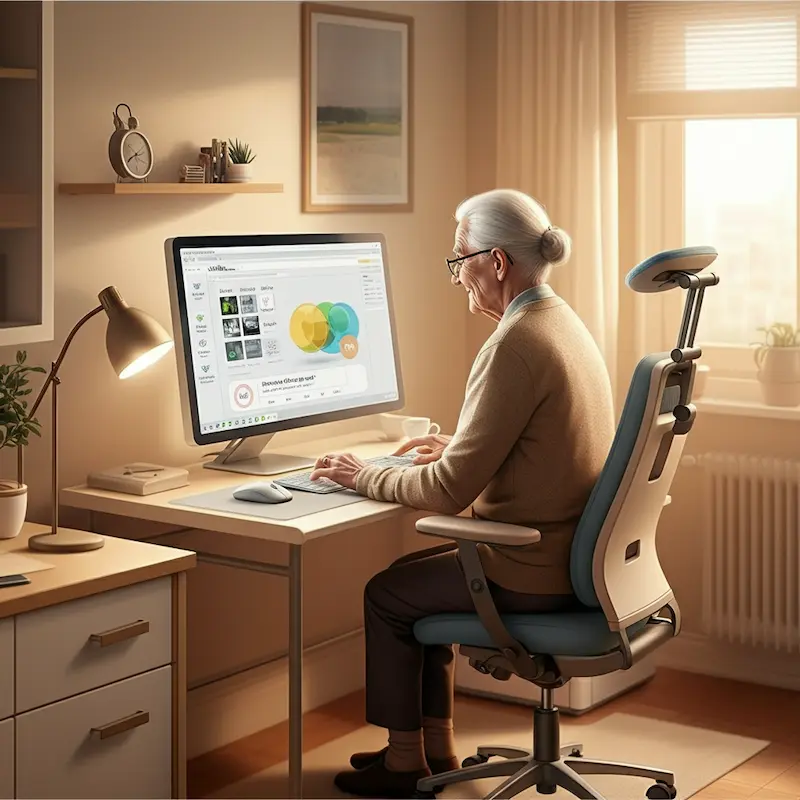
Computer Vision Syndrome in Seniors: How to Protect Your Eyes
Extended screen time can have more impact than you think—especially on computer vision syndrome seniors or aging eyes. Learn how to shield your vision and avoid discomfort in today’s digital age right here in The Villages, Florida.
Introduction
These days, screens are everywhere, from smartphones and tablets to computers and e-readers. While these devices offer great convenience, they also come with a challenge for seniors—the risk of Computer Vision Syndrome Seniors. Also known as digital eye strain, CVS refers to the discomfort that follows prolonged screen time. For older adults, the effects can feel even more pronounced.
Fortunately, there are simple steps you can take to keep your eyes healthy and comfortable. Whether you’re reading the news on your tablet, video chatting with loved ones, or shopping online, the tips in this guide will help you reduce strain and protect your vision.
By the time you’re finished, you’ll learn how to spot symptoms, discover prevention strategies, and even explore products like blue-light-filtering lenses, designed to make screen use easier on aging eyes.
What is Computer Vision Syndrome Seniors?
Understanding CVS Seniors
Computer Vision Syndrome Seniors refers to a group of eye-related issues caused by extended screen use. Common symptoms include:
- Blurry vision
- Dry or irritated eyes
- Headaches
- Neck, shoulder, or back pain
- Difficulty focusing after extended screen time
These symptoms are related to the repetitive motion of focusing and refocusing on a screen, along with the effects of blue light, glare, and poor ergonomics.
Unique Challenges for Seniors
As we age, our eyes become less flexible and less adept at adjusting to close-up or mid-range tasks like viewing a screen. Seniors may also deal with related conditions such as cataracts, glaucoma, or dry eye syndrome and Computer Vision Syndrome Seniors. For more information about these conditions, you can explore the American Academy of Ophthalmology.
Here in The Villages, many residents use digital devices to stay connected with loved ones or manage daily tasks. However, ongoing screen use without proper precautions may compound existing eye health concerns.
Signs You May Have Computer Vision Syndrome Seniors
Take note of the following signs, which may indicate that you’re experiencing CVS:
- Persistent eye redness or irritation
- Feeling like your eyes are tired or strained
- Difficulty reading text on screens for long periods
- A sense of dryness or itchiness in the eyes
- Head or neck tension developing during screen use
If these symptoms occur, it’s worth making adjustments to your screen habits. Persistent discomfort should prompt a visit to your eye care provider for tailored advice.
Top Tips to Protect Your Eyes from Computer Vision Syndrome Seniors
It’s never too late to adopt habits that safeguard your vision. Here are practical strategies to minimize digital eye strain.
1. Follow the 20-20-20 Rule
One of the simplest ways to give your eyes a break is by using the 20-20-20 rule. Every 20 minutes, glance at something 20 feet away for at least 20 seconds. This promotes relaxation for the focusing muscles in your eyes.
2. Adjust Your Screen Settings
Enhancing your device settings can reduce visual discomfort. Here’s what to focus on:
- Brightness: Match screen brightness to the surrounding room lighting. Overly bright or dim screens cause unnecessary strain.
- Font Size: Increase font size to ease reading.
- Contrast: Adjust contrast settings for better visibility of on-screen text.
Most devices have built-in accessibility features that make these adjustments easy to find.
3. Invest in Blue-Light Filtering Lenses
You may have heard about blue-light filtering lenses—glasses designed to block harmful blue light emitted by screens. These lenses can ease eye strain, especially for seniors who use electronic devices frequently. Blue light exposure is thought to disrupt sleep patterns, and using these glasses during evening screen time can also promote better rest.
If you don’t already own a pair, now’s the time to try them out. You can request blue-light filtering lens upgrades from eye care professionals in The Villages to get started.
4. Practice Good Screen Habits
Make screen use more comfortable with these simple habits:
- Position your screen about 20–28 inches away from your eyes.
- Keep the screen at eye level to avoid awkward neck positioning.
- Use a matte screen filter to reduce glare.
Don’t forget to clean your screens regularly—dust and smudges can increase glare and make viewing more difficult.
5. Blink More Often
When staring at screens, our blink rate typically decreases, which can lead to dry eyes. Make a conscious effort to blink often and completely. Using lubricating eye drops, also known as artificial tears, can provide additional relief.
If dry eye persists, you might want to learn more at the National Eye Institute’s page on American Optometric Association – Computer Vision Syndrome Seniors
6. Limit Screen Time Before Bed
Using screens close to bedtime can interfere with natural sleep rhythms. Instead, try shutting off devices at least an hour before sleeping. This not only keeps your eyes relaxed but also improves your sleep quality—an essential factor in overall health.
7. Schedule Regular Eye Exams
Even if your vision feels fine, seeing an optometrist or ophthalmologist annually is key to maintaining long-term eye health. Eye-care professionals can catch early signs of issues such as macular degeneration, glaucoma, or cataracts.
Creating an Eye-Friendly Workspace
If you’re working from home or spending significant time in front of a computer, an optimized environment makes a world of difference, and that causes Computer Vision Syndrome Seniors. Follow these tips to set up a senior-friendly workspace:
- Lighting Matters: Utilize natural light where possible and position monitors to minimize glare from windows.
- Ergonomic Chairs and Desk Setup: Ensure your seating supports proper posture to avoid neck strain.
- Anti-Glare Screen Protectors: These inexpensive add-ons reduce excessive light reflections.
You can discuss personalized setup recommendations when you visit your local eye care provider in The Villages.
Why Blue Light Is a Big Deal
Blue light gets a lot of attention these days, and for good reason. While it exists naturally in sunlight, the artificial blue light from screens has shorter wavelengths that scatter more easily, making it harder for eyes to focus. Too much exposure may lead to increased strain—especially for aging eyes.
Fortunately, products like blue-light blocking glasses and screen settings can provide much-needed protection.
Small Changes Make a Big Difference
You don’t have to overhaul your daily life to enjoy better eye comfort. Simple adjustments—like investing in good lighting, using blue-light filtering lenses, and taking regular breaks—can help keep your eyes happy and healthy for years to come.
And here in The Villages, there’s no shortage of options for staying active and reducing your screen time. Consider taking a stroll, joining a fitness club, or spending more time on face-to-face social activities—all of which are great for both mind and body.
Call to Action
Protect Your Eyes Today
If you’re experiencing symptoms of Computer Vision Syndrome Seniors or want to upgrade to blue-light filtering lenses, don’t wait. Contact your local eye care specialist in The Villages to schedule an appointment today. Your eyes will thank you!
Conclusion
Modern technology has brought seniors unprecedented convenience and connection, but it’s essential to use digital devices with care. By following the strategies outlined in this guide, you can mitigate the effects of Computer Vision Syndrome Seniors and maintain optimal eye health.
Healthy eyes are happy eyes. Hindsight will make well-being a priority as you enjoy all the opportunities The Villages has to offer!